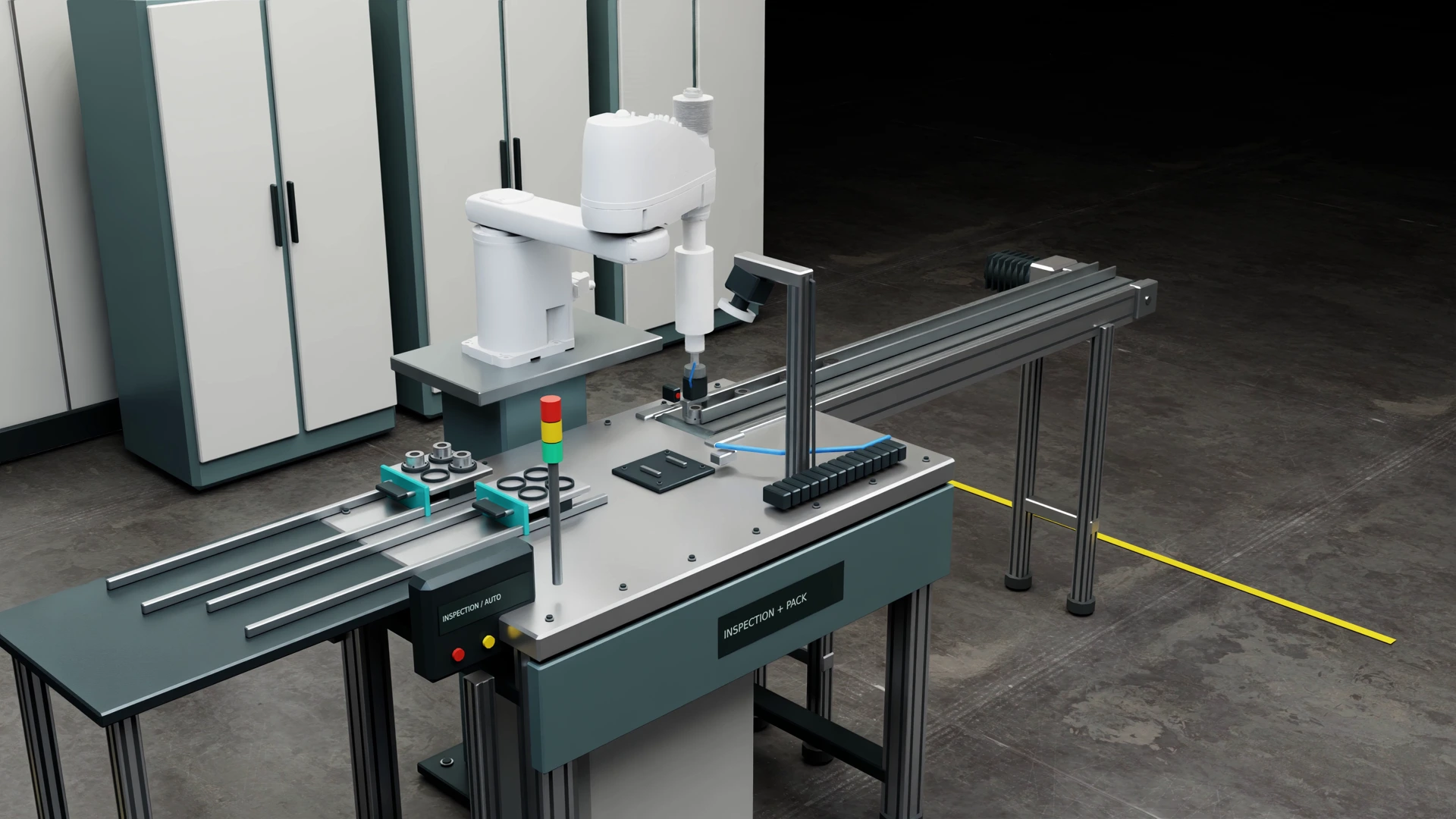
ROS 2 hardware driver
A documented interface to command your device and read its feedback, tested on the agreed hardware.
We develop software interfaces, simulation models and controls to help you connect, evaluate and test your hardware. Projects can include ROS 2 drivers, Isaac Sim scenes and comparisons with physical measurements, with scope and tests agreed before development.
Choose the work your device needs. Each scope has agreed deliverables, software versions and acceptance tests.
A documented interface to command your device and read its feedback, tested on the agreed hardware.
Geometry, motion constraints and interfaces for the simulator and use case agreed with your team.
Compare a model with measurements from a real unit. Report the differences, fitted parameters and remaining limits.
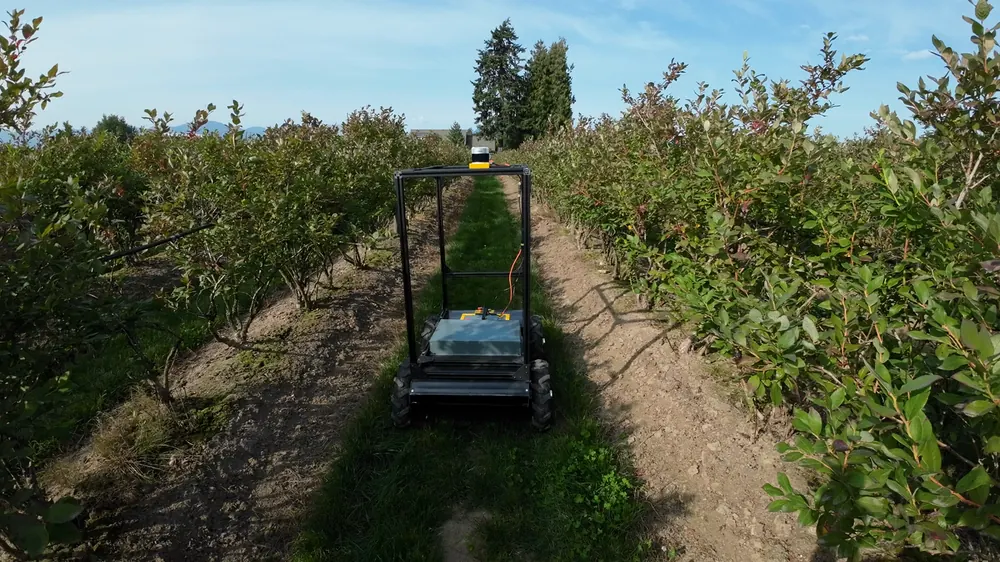
Connects ROS 2 to physical drives, with velocity commands, wheel feedback and fault reporting.
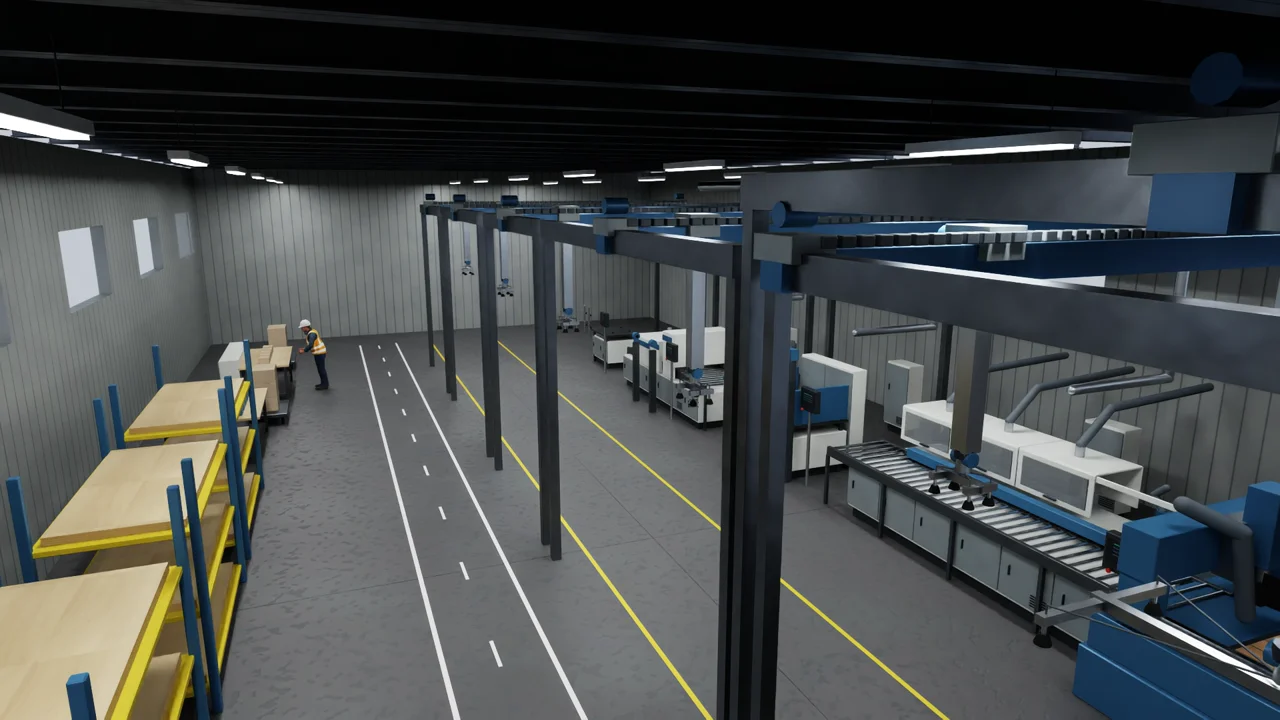
See how selected checks from the cabinet simulation are reported, what they establish and which physical tests remain.
Start with a free twenty-minute scoping call. We’ll review the task and available information, then propose a scope and price. If a paid assessment is needed first, we’ll agree that with you before proceeding.
We build to the agreed scope and test the delivery. Hardware validation compares the model with physical measurements and reports the difference.
You receive the files, documentation and a handover session. The quote identifies ownership and any licences needed to run the delivery.
We develop the software interfaces and simulation models needed to evaluate a device in a robotics system.
We identify relevant completed work, experiments and remaining development when scoping your project.
Ship a unit to our lab, or arrange measurements on your site. Remote work is available anywhere.
Discuss the job on a free twenty-minute call. We confirm the scope and whether a paid visit is needed before quoting.
Or email hello@drimkoe.com